 Alarm keypad
Firmware installer
Your browser doesn't support Web Serial. Use Chrome or Edge on a desktop computer.
This page must be opened over HTTPS.
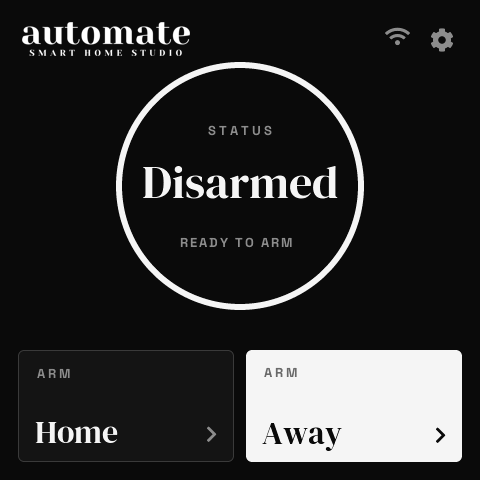
A wall keypad for your Alarmo alarm.
Turns a Seeed SenseCAP Indicator D1 into a touch keypad for Alarmo in Home Assistant. Install it straight from this page.
Chrome or Edge on a desktop computer. Plug the Indicator in with a USB-C data cable first.
Step 1
Install
- Click Install and choose the Indicator's serial port.
- After flashing you can enter Wi-Fi here, or skip it and set Wi-Fi up on the keypad's screen.
Step 2
Set up
- On the keypad, connect to Wi-Fi (on screen, or with your phone via the QR code).
- In Home Assistant, add the discovered ESPHome device.
- In Alarmo, turn on MQTT. Then fill in the keypad's MQTT Broker, Username and Password under the device's Configuration in Home Assistant.
Full guide: github.com/DomMonte/sensecap-alarm-keypad